How to order groceries online — for some, it’s no longer a luxury, but a necessity.
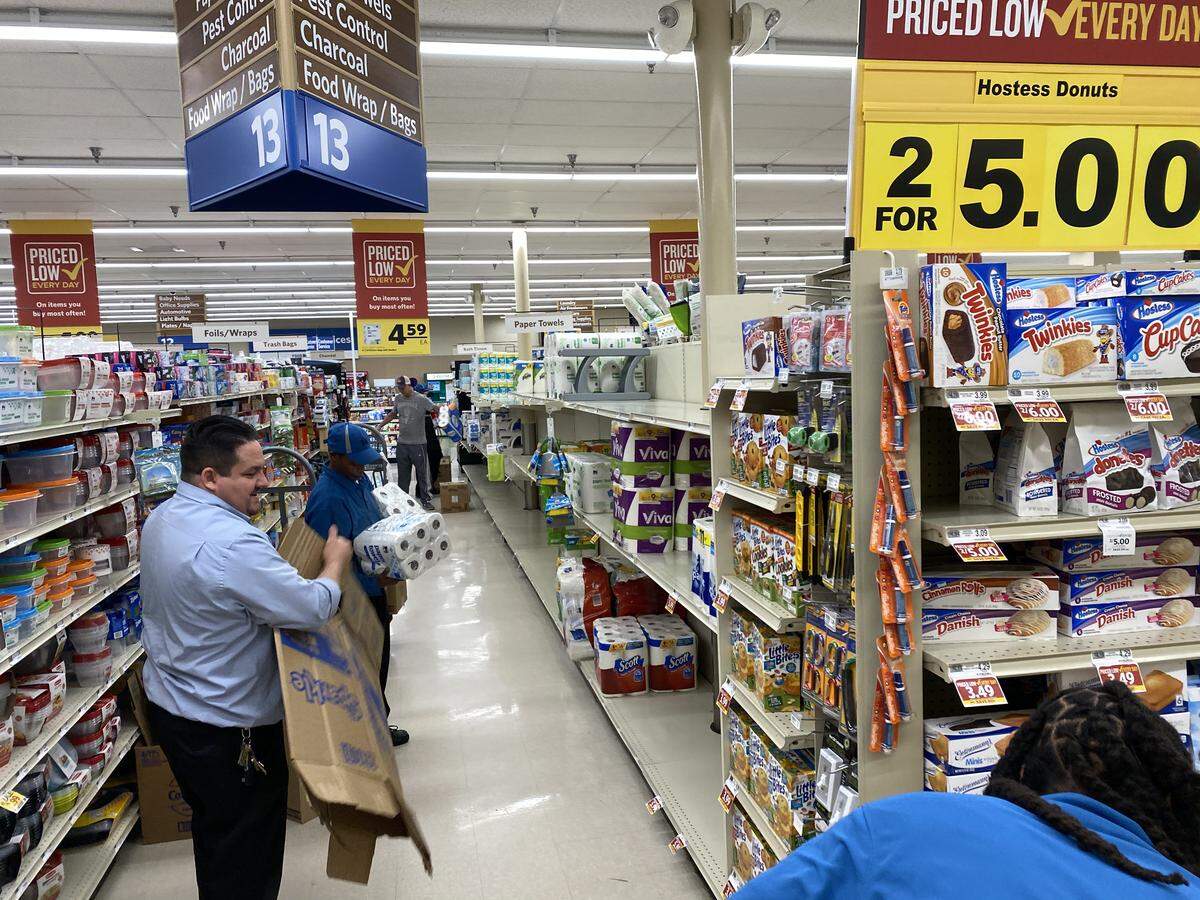
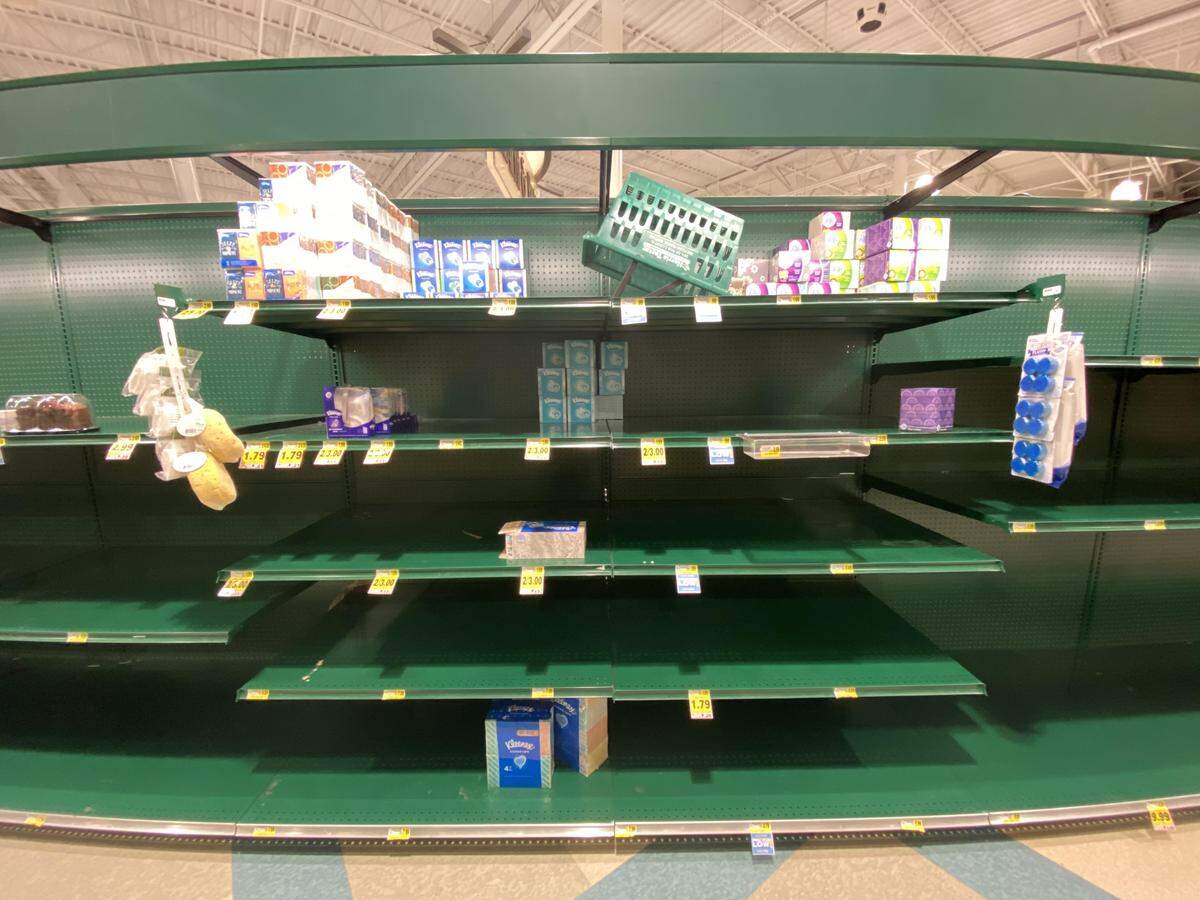
Frantically, people are swiping the last items on once-filled grocery store shelves as COVID-19 takes hold of our world. How do we purchase the necessary food and supplies we need when many local stores are stocking out within minutes? Online delivery services can help you beat the long lines and avoid distressed buyers.
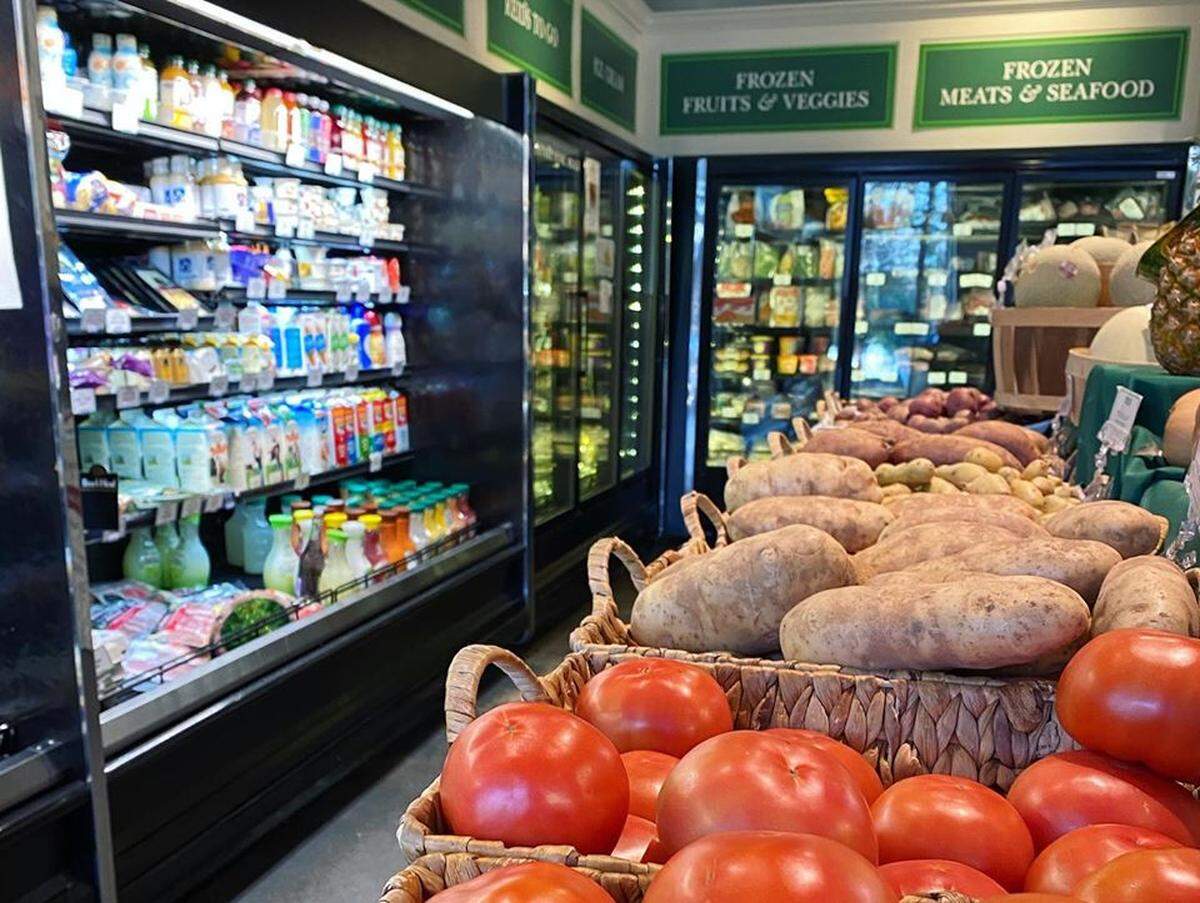
You can also order groceries by phone in some locations. Reid’s Fine Foods markets are fully stocked and open for delivery services. All orders over $100 will receive free shipping, and all customers older than 60 will receive free shipping (no minimum needed but must live within 5 miles of a Reid’s Fine Foods). Call 704-377-1312 (Myers Park) or 704-377-7686 (SouthPark) to place your order between 8 a.m. and 5 p.m. — the team is ready to bring your goods to your home or meet you outside of Reid’s for curbside pick-up.
Zia Pia imports + Italian kitchen, located in the 7th Street Public Market, is also offering online ordering with free delivery of items including pasta, rice, oil, tomatoes, balsamic vinegar and chocolate. It is also working with Postmates, Grubhub, DoorDash and UberEats to add fresh deli foods up online for local delivery, such as olives, sliced meats, cheese and house made salads. Email info@ziapia.com with your order by noon; its delivery hours are noon-3 p.m..
Some grocery stores are also offering special shopping hours for senior citizens and those at higher risk, including Compare Foods (7 a.m.- 9 a.m. for customers older than 60), Dollar General (8-9 a.m.), Fresh Market (8-9 a.m. weekdays) and Target (the first hour of shopping each Wednesday). Publix is designating 7-8 a.m. on Tuesday and Wednesday as senior shopping hours beginning March 24, as well as opening its pharmacy for those over 65 at that time. Whole Foods is allowing customers ages 60 and older to shop one hour prior to the store opening.
If you are interested in jumping on the virtual shopping bandwagon, we’ve got a few tips to navigate the process more smoothly.
Editor’s note: We used AmazonFresh this week to order groceries, learning that the service has been overloaded for the past several days (for obvious reasons). So we waited until after midnight to place an order for two days later in order to get an available delivery window. All of the other services may be experiences similar delays, so try to plan ahead, and if you need to — stay up late to place your order.
Online and local grocery stores offering take-home delivery or in-store pickup include:
ALDI
Here’s how to order delivery:
Visit the ALDI delivery webpage, type in your ZIP code, then sign up for a free Instacart account. Add your groceries to your cart and then proceed to checkout. You’ll receive your order in as little as 1 hour. If your order is less $35, then you’ll pay $9.99 for the service. If your groceries cost more than $35, the delivery cost lowers to $5.99.
Pick-up is not available in Charlotte.
AmazonFresh
AmazonFresh offers access to over 500,000 items with same-day delivery. If you don’t have Prime, you can get a 30-day trial to test out your virtual shopping skills. Order more than $35 to avoid a delivery fee.
Here’s how to order delivery:
Visit the AmazonFresh website or use your Amazon app (open your app then select “fresh” under the search bar). Click “Add to Cart” on items you would like to purchase. Then, select “Proceed to Checkout.” Input your information, including your shipping address and secure credit/debit card information (if you’re a Prime member, all of this should be stored already), and place your order. Orders are expected to arrive within 2-3 hours from time of purchase.
PRO TIP: Prime Now is also available in Charlotte. It’s sorta like if Amazon Prime and AmazonFresh had a baby, but with a 1-2 hour delivery window. Instead of just lemons and guac, you can also throw in a pair of headphones if you need them (helpful if your spouse now has to work from home like you do).
Costco
Here’s how to order delivery:
Visit Costco’s grocery site, make sure the delivery ZIP code is correct, then select the “Grocery” drop down for Instacart. Choose “Same Day Delivery” or “2-Day Delivery.” Sign in to your Costco account, then add your groceries to your cart and check out. Orders $75 or more are free, or pay the $3 delivery fee if you’re under the $75 mark.
No pick-up options are available.
Food Lion
Here’s how to order delivery:
Visit Food Lion’s delivery site. Enter your ZIP code in the search bar via Instacart. Fill out the form to sign up, then start shopping. Click “Add to Cart” on your preferred groceries. Proceed to checkout when complete. For orders over $35, the service carries a $3.99 fee for two-hour delivery and a $5.99 fee for one-hour delivery.
Here’s how to order pick-up:
Access the Food Lion To-Go mobile app and select a store based on your ZIP code. After loading groceries into your mobile cart, choose a time window for pickup, and then proceed to checkout. Park in a designated spot and an associate will arrive at your vehicle door.
The Fresh Market
Here’s how to order delivery:
Visit The Fresh Market’s delivery site. Type in your ZIP code and sign up for a free account via Instacart. Then, browse for your foods and add each to your virtual cart. Complete the checkout process and receive your groceries the same day. The company offers free delivery on your first order.
Curbside pick-up is not available.
Harris Teeter
Here’s how to order delivery:
Visit Harris Teeter’s delivery site. Click on the “Order Online” drop down menu and select “Order Groceries.” Put your address in the “Delivery” search bar. Click on “Browse by Category” to find your stuff, then select “Add to Cart.” Once you’re done, go to your virtual shopping cart and click, “Review My Cart,” so you can “Proceed to Checkout.” In addition to the $4.95 shopping fee, orders totaling $50 or more have a $9.95 delivery fee, while orders totaling under $50 have an $11.95 delivery fee.
Here’s how to order pick-up:
Follow the same steps as delivery, but ensure that you choose a designated pick-up time. The service fee for each ExpressLane order is $4.95. Monthly subscriptions are available for $16.95, and yearly subscriptions are available for $99.95, in which you can shop unlimited at any ExpressLane location.
Publix
Here’s how to order delivery:
Visit Publix’s delivery site. Enter your ZIP code and click “Start Shopping” with Instacart. You’ll then log in with a valid email and password. Then, you can “Add to Cart” and “Proceed to Checkout” with your groceries. A $99 annual membership is required, or you can pay a $14 monthly fee. You get free shipping on orders over $35, and shipping costs for deliveries less than $35 are usually $7 per order.
Here’s how to order pick-up:
Once you check out, you’ll request to have your groceries picked up at a specific Publix store of choice at a certain time, and then you’ll park in a designated curbside spot. A store associate will hand-deliver your groceries to you, or you can stop inside.
Target
Here’s how to order delivery:
Visit Target’s delivery site. Click on the “Categories” drop-down menu and select which delivery timeline you prefer. Then, click “Start Shopping.” Once your order is complete, a personal shopper from Shipt will hand-select your items and send you a text if he/she needs to adjust your request(s). You’ll receive a 4-week free trial on non-same day deliveries. After the 4-week window, an annual Shipt plan is $99 for unlimited orders of $35 or more. Same day delivery is $9.99.
Target doesn’t offer pick-up in Charlotte.
Walmart
Here’s how to order delivery:
Visit Walmart’s delivery site. Find your favorites and click “Add to cart.” Go to your virtual shopping cart, then check out with your shipping information and card information.
Here’s how to order pick-up:
Once you set up an account online, place an order and reserve a delivery date and pick-up time, go to the store’s parking lot and look for signage where groceries are delivered to your car. If you would like to check in via your mobile phone, open the Walmart app, select, “I’m Ready,” and go to the store’s pickup area. (Pickup areas are indicated in orange). Scan your barcode at the kiosk, which notifies store associates that you’re waiting, and someone will bring your order to you.
Whole Foods
Here’s how to order delivery:
Order your Whole Foods delivery through the Amazon app or the Whole Foods website — but you have to be an Amazon Prime member to utilize either. On the website, you’ll click ‘Shop with Prime,” add your items to your cart, and then proceed to checkout. On the app, select “Whole Foods” at the top and fill up your cart. Load up your cart with $35 or more to avoid a delivery fee.
Items are delivered within a two-hour window that works best for you.
Site out of Stock? Explore these Options
Toilet paper, hand sanitizer and other high-demand items have been stocked out across the U.S. If your go-to food or supply is not available at a delivery service, first check other sites to see if they have restocked the item. If you have no luck exploring other sites, find a comparable brand and always check reviews. If you see the item is positively rated with multiple reviews, you can better guarantee the item is of high quality and will be shipped on time.
If you are playing the waiting game, keep checking back daily to grab the item as soon as it’s restocked, and buy in bulk if you can. The benefit of online delivery services is you can purchase several items with only one shipping cost.
This story was originally published March 18, 2020 at 9:00 AM.